

We built Yap because we wanted a dictation tool that felt like a utility, not a platform.
Lightweight. Minimal. Open source. Easy to run. Easy to understand. Easy to change if your workflow needs something different.
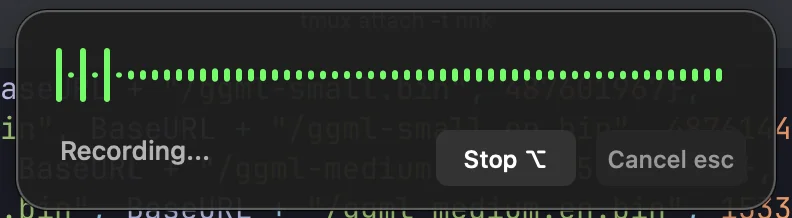
The basic loop is simple: press a hotkey, speak, transcribe, and paste the result into whatever app already has focus. No new writing surface. No heavy workspace. No assumption that everyone wants the same workflow.
Yap is not polished yet, and we are fine saying that. This post is about where it came from, what works, what is still rough, and why we are starting to publish more of our own internal tooling.
Yap is both a useful dictation app today and a small statement about the kind of tools we want to build: focused, inspectable, local-first where possible, and open enough for people to make them their own.
Why We Built Yap
We wanted fast dictation without a heavy app, cloud lock-in, or unnecessary product bloat.
Most of our writing does not happen in one dedicated writing app. It happens across editors, issue trackers, Slack, browsers, docs, terminals, notes, and whatever other tool is in front of us at the time. A dictation tool should fit into that flow instead of asking us to move the work somewhere else.
The need was simple:
- Start recording from anywhere
- Speak naturally
- Turn speech into text
- Paste the result into the app we were already using
- Avoid turning that loop into a larger product surface than it needed to be
That is the core of Yap. It is a desktop utility for dictation, not a writing platform, productivity suite, or AI workspace.
Minimal By Design
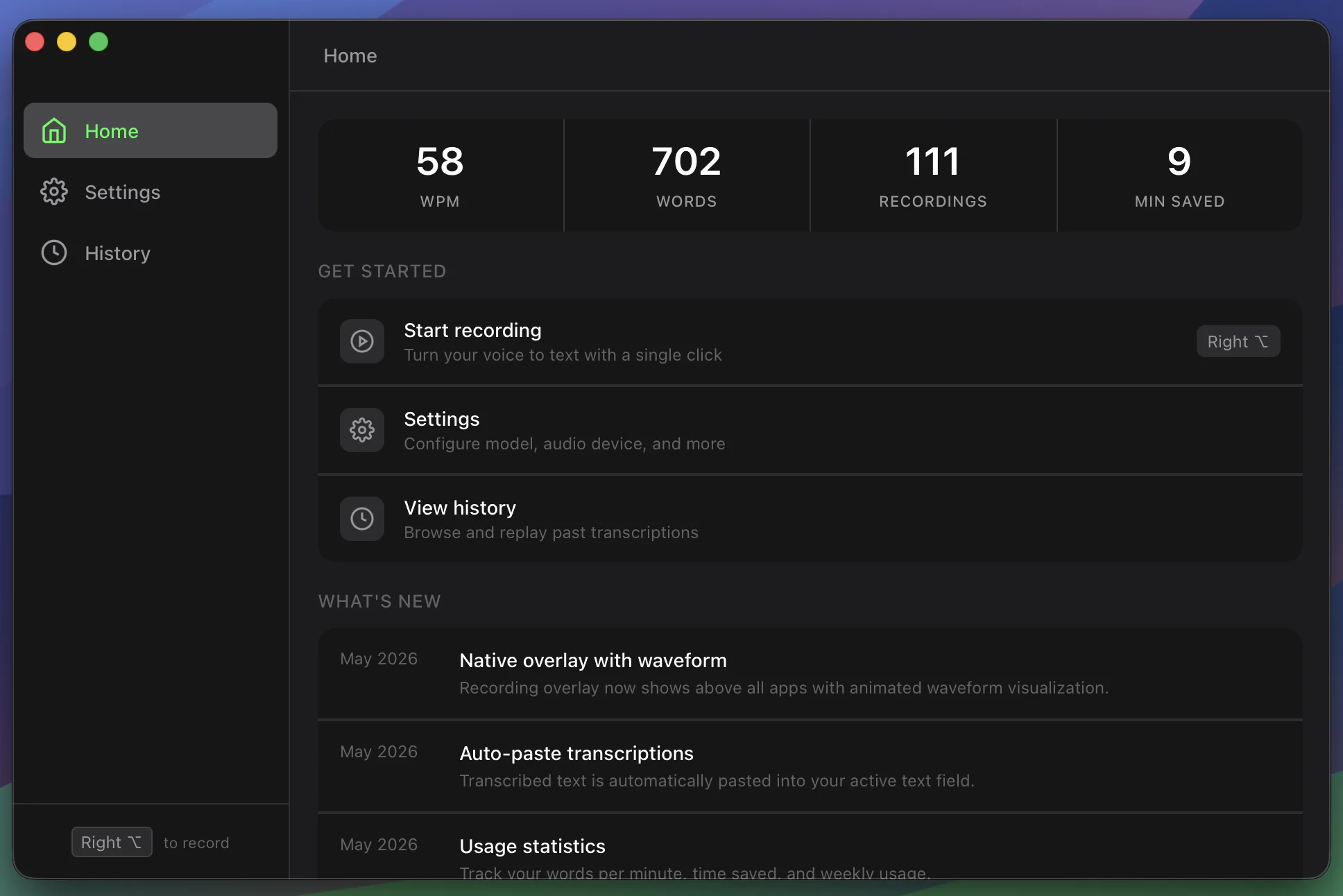
Yap is intentionally small: hotkey, record, transcribe, paste.
That narrow shape is the point. We wanted something that could sit in the background and help with the moment of capture. The less Yap asks you to think about it, the better it is doing its job.
The tool is built around a few assumptions:
- Your current app should stay the main surface
- Dictation should be available globally
- Transcription should be local-first where possible
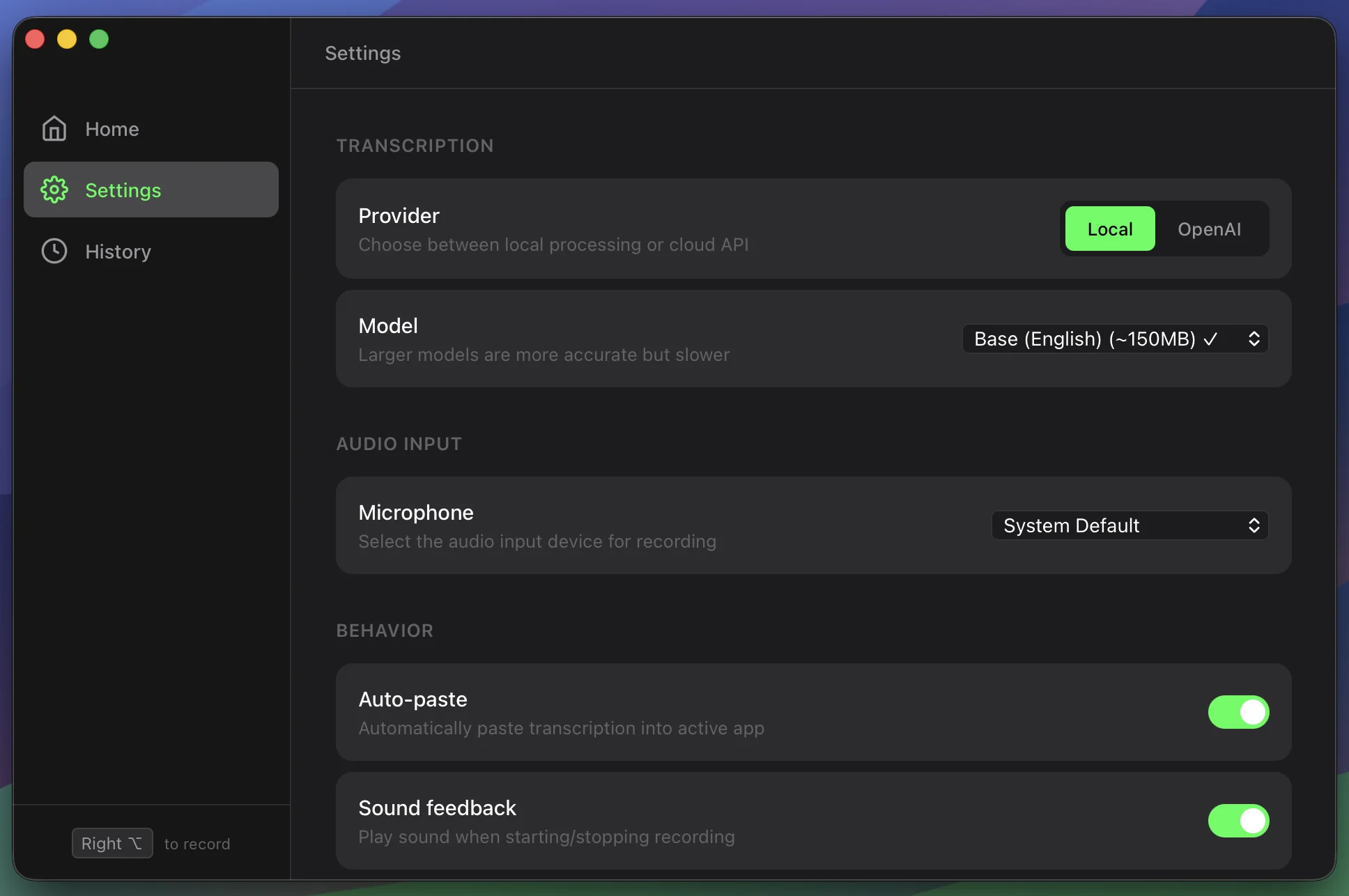
- Settings should support real workflow differences without becoming the product
- The app should remain understandable enough for someone else to inspect and change
There are plenty of places where a larger writing environment makes sense. Yap is not trying to be that. It is trying to remove friction from one common loop.
Open Source Because Tools Should Be Hackable
We made Yap open source because tools like this are better when people can see how they work and change what they need.
Dictation workflows vary a lot. One person may want local Whisper models only. Another may want OpenAI Whisper for accuracy. Someone else may want a specific shortcut, a different paste behavior, a custom prompt-cleanup step, or an integration with their editor or notes app.
If Yap were a locked-down product surface, every workflow difference would become a feature request. Since the repo is open, people can fork it, extend it, or use it as a starting point for their own version.
That could mean changing:
- Model choices
- Keyboard shortcuts
- Audio device behavior
- Paste and clipboard behavior
- UI details
- Platform-specific handling
- Integrations with other tools
- Post-processing steps after transcription
We do not expect one tiny app to solve every dictation workflow. We do think it should be easy to understand and modify.
Part Of A Bigger Internal Tooling Push
Yap is one of the first examples of a broader habit we want to build at ApplauseLab: creating internal tools for our own workflows, then releasing the useful ones publicly.
We already build a lot of small utilities for ourselves. Some stay private because they are too specific to client work or internal systems. Others are general enough that publishing them makes sense.
The criteria is practical. If a tool solves real friction for us and may help another team, developer, or operator, we want to be more willing to put it in public early.
That also means being honest about rough edges. These tools may not start as polished commercial products. They start as working utilities. The public version improves as people use them, report issues, and adapt them to workflows we did not anticipate.
What Works Today
Yap already covers the basic dictation loop across desktop platforms.
Today it supports:
- Local transcription through
whisper.cpp - Optional OpenAI Whisper transcription
- Auto-paste into the app that already has focus
- Global and customizable hotkeys
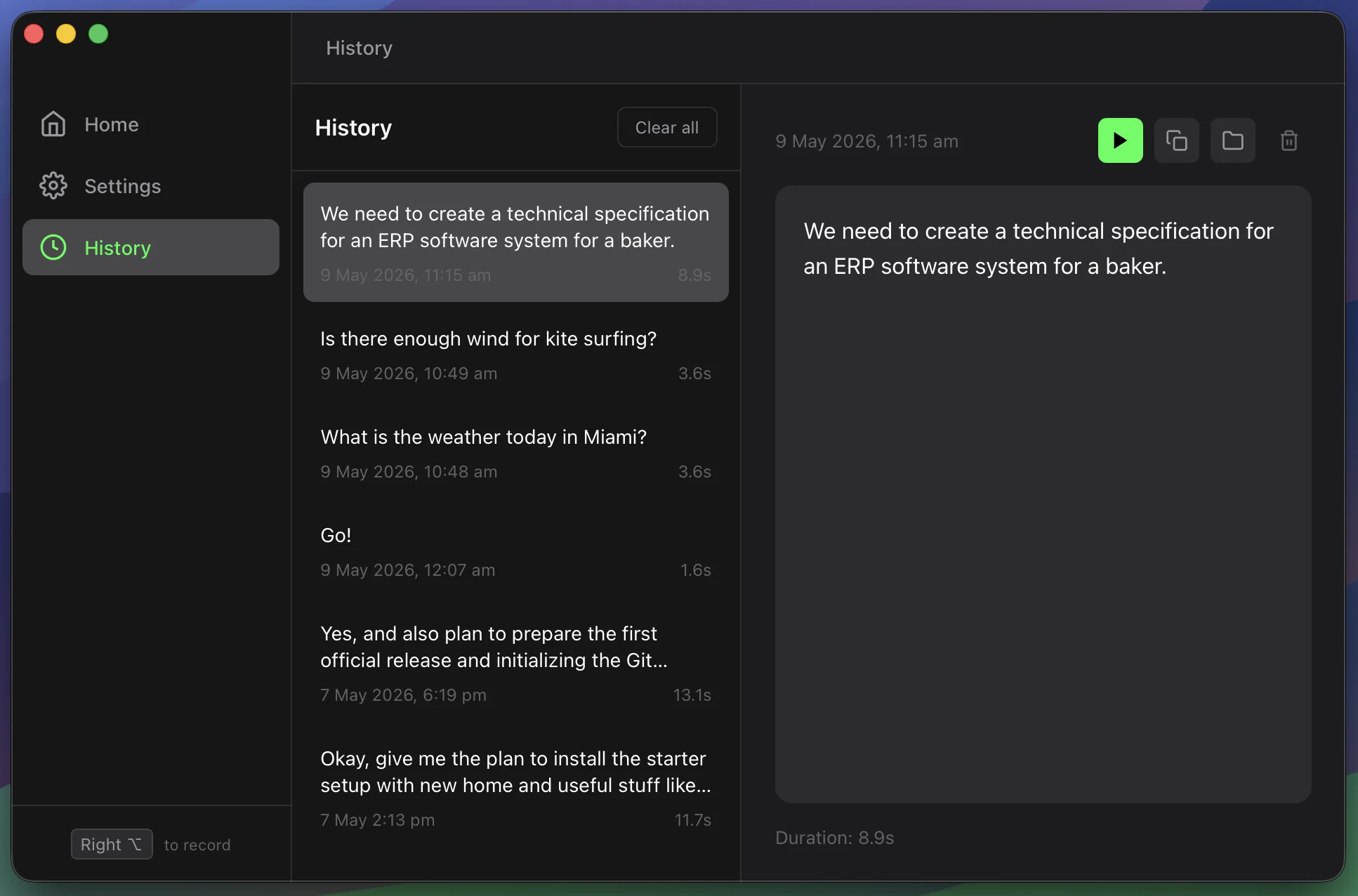
- Transcription history
- Audio device selection
- Cross-platform releases for macOS, Windows, and Linux
The local path is important to us. For many workflows, dictation should not require sending audio to a remote service. Local Whisper models make that possible. Cloud transcription is still useful when someone wants a different accuracy, speed, or setup tradeoff, so Yap supports both.
The auto-paste behavior is just as central. The point is not to collect dictated text inside Yap. The point is to get text into the place where the work is already happening.
What Is Still Rough
Yap is useful today, but it is not done.
The rough parts are exactly the places you would expect in a young desktop utility:
- Onboarding still needs work
- Permissions can be confusing across operating systems
- Packaging has platform-specific edge cases
- Model setup can be clearer
- UI polish is uneven
- Documentation can drift from the released version
- Linux distribution details can surprise people
Some of this is product work. Some of it is platform work. Some of it is documentation discipline. None of it is mysterious, but all of it matters if the tool is going to feel reliable to people who did not build it.
What We Learned
Small desktop utilities are deceptively hard.
The happy path sounds simple: record audio, transcribe it, paste text. But each word in that sentence hides operating-system details.
Audio capture means dealing with devices, defaults, permissions, libraries, and platform differences. Global hotkeys mean each OS has its own expectations and constraints. Auto-paste means coordinating clipboard behavior with whatever app currently has focus. Installers and package formats have their own quirks.
We ran into the kinds of details that rarely show up in the initial product idea:
- Microphone permissions behave differently by platform
- Global shortcuts are easy to describe and harder to make reliable
- AppImage distribution can run into FUSE behavior on Linux
- Bundling audio dependencies such as PortAudio takes real care
- Local model setup affects both onboarding and perceived quality
- Cross-platform releases multiply small packaging decisions
The lesson is not that desktop tools are not worth building. It is that even small utilities deserve respect. If a tool needs to live in someone else’s daily workflow, the edges matter.
Where It Goes Next
The next phase is polish and extensibility.
We want Yap to become easier to install, easier to configure, and easier to extend. That means better onboarding, clearer docs, fewer packaging surprises, and a codebase that remains approachable for people who want to modify it.
We also expect future features to come from actual workflow pressure. If we add more functionality, it should preserve the same shape: focused, practical, and close to the place where someone is already working.
Some likely directions:
- Better first-run setup
- Clearer model installation and selection
- More reliable platform-specific packaging
- Better extension points for post-processing and integrations
- More workflow-inspired features from our own usage
- Community feedback from people using Yap in different environments
We want the tool to improve without losing the reason it exists.
Try It, Fork It, Extend It
Yap is available on GitHub: github.com/ApplauseLab/yap
Try it if you want a lightweight dictation utility. Open an issue if something breaks or feels confusing. Fork it if your workflow needs something different. Extend it if you see a direction we have not covered.
That is the point of making it open source.