Choose your Yap download.
Select a platform to get the right file and installation instructions.
Choose a downloadMake room for your voice.
Your installer is ready. Download now.
Version 0.5.0 · Apple Silicon (.dmg)
Open your download
Find Yap-0.5.0-macOS.dmg in your Downloads folder. Double-click to open it.
Move to Applications
Drag Yap into your Applications folder, then open it from there.
Say your first words
Choose a transcription model, allow microphone access, and start recording. Enable Accessibility for automatic pasting.

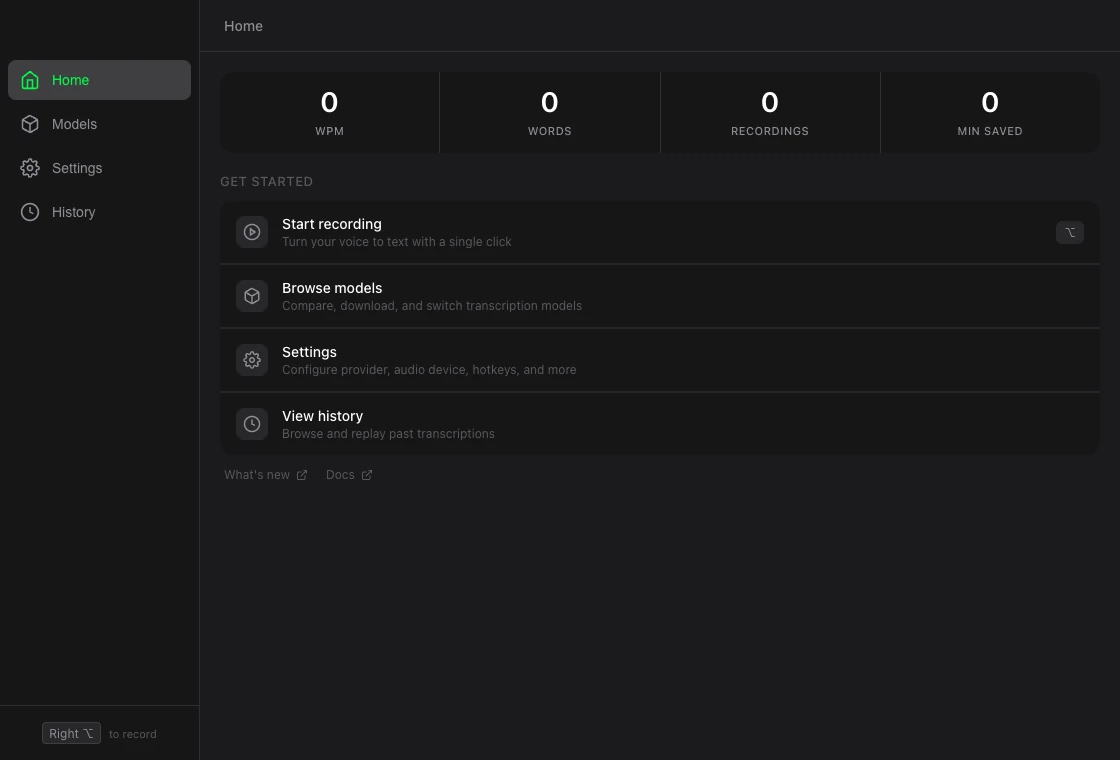
Make room for your voice.
Your installer is ready. Download now.
Version 0.5.0 · Installer (.exe)
Open your download
Find Yap-0.5.0-Windows-Setup.exe in your Downloads folder. Double-click to open it.
Run the installer
Follow the setup wizard, then open Yap from the Start menu.
Say your first words
Choose a transcription model, allow microphone access, and start recording.
Make room for your voice.
Your installer is ready. Download now.
Version 0.5.0 · Portable (.zip)
Open your download
Find Yap-0.5.0-Windows-Portable.zip in your Downloads folder. Double-click to open it.
Extract the whole ZIP
Extract all files into a permanent folder. Keep Yap.exe, portaudio.dll, and the bin folder together, then run the extracted Yap.exe.
Say your first words
Choose a transcription model, allow microphone access, and start recording.
Make room for your voice.
Your installer is ready. Download now.
Version 0.5.0 · Ubuntu 22 AppImage
Open your download
Find Yap-0.5.0-Linux-ubuntu22.AppImage in your Downloads folder.
Make it executable
In the file’s properties, allow execution as a program, then open the AppImage.
Say your first words
Choose a transcription model, allow microphone access, and start recording.
Make room for your voice.
Your installer is ready. Download now.
Version 0.5.0 · Ubuntu 22 .deb
Open your download
Find Yap-0.5.0-Linux-ubuntu22.deb in your Downloads folder.
Install the package
Open the .deb with your package manager and install Yap. Launch it from your applications menu.
Say your first words
Choose a transcription model, allow microphone access, and start recording.
Make room for your voice.
Your installer is ready. Download now.
Version 0.5.0 · Ubuntu 24 AppImage
Open your download
Find Yap-0.5.0-Linux-ubuntu24.AppImage in your Downloads folder.
Make it executable
In the file’s properties, allow execution as a program, then open the AppImage.
Say your first words
Choose a transcription model, allow microphone access, and start recording.
Make room for your voice.
Your installer is ready. Download now.
Version 0.5.0 · Ubuntu 24 .deb
Open your download
Find Yap-0.5.0-Linux-ubuntu24.deb in your Downloads folder.
Install the package
Open the .deb with your package manager and install Yap. Launch it from your applications menu.
Say your first words
Choose a transcription model, allow microphone access, and start recording.