Download Yap
Version 0.4.0 - Release Notes
Dictate text and automatically paste it into any application. Use private local transcription with whisper.cpp or cloud transcription with OpenAI.
macOS
A universal binary that works on both Apple Silicon and Intel machines. Requires macOS 11.0 (Big Sur) or later.
Windows
Native Windows application. Requires Windows 10 or later.
Linux
Pick ubuntu22 for Ubuntu 22.04, Debian 11/12, or Mint 21. Pick ubuntu24 for Ubuntu 24.04+, Debian 13+, or Mint 22+.
Features
Built with Go and React. Local Whisper AI for privacy. OpenAI API for accuracy. Every feature designed for seamless dictation.
Local Transcription
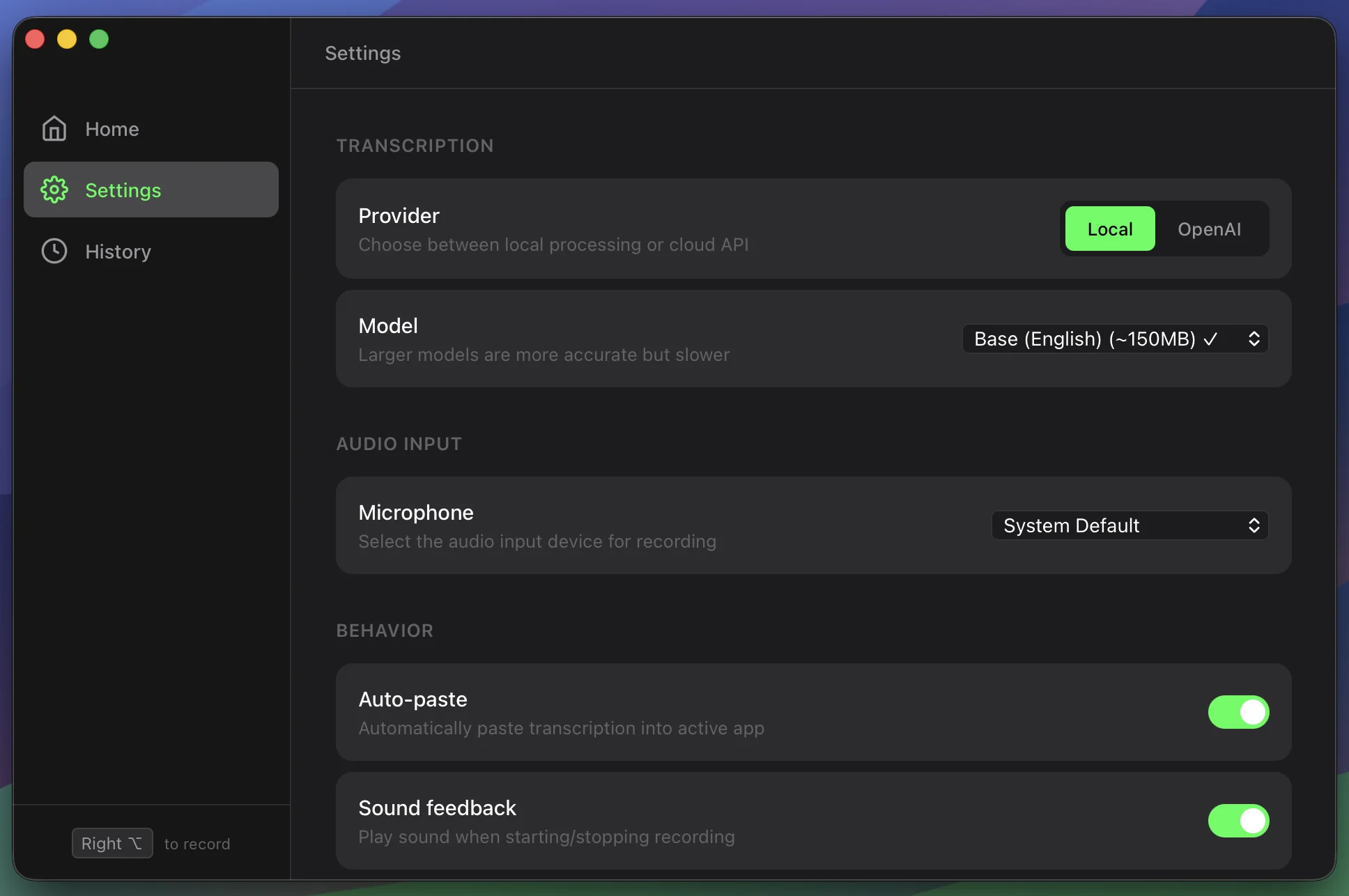
Run Whisper AI locally for private, offline transcription. All audio is processed on-device, so no data leaves your machine.
OpenAI Whisper Integration
Switch to cloud mode with OpenAI's Whisper API for maximum accuracy when you need it. Your choice, your workflow.
Auto-Paste to Any App
Transcribed text is copied to the clipboard and pasted into the focused app, including your editor, terminal, Slack, or browser.
Multiple Model Sizes
Choose from 5 Whisper models: tiny (75MB) for speed, up to large-v3 (3GB) for highest accuracy. Download only what you need.
Floating Window
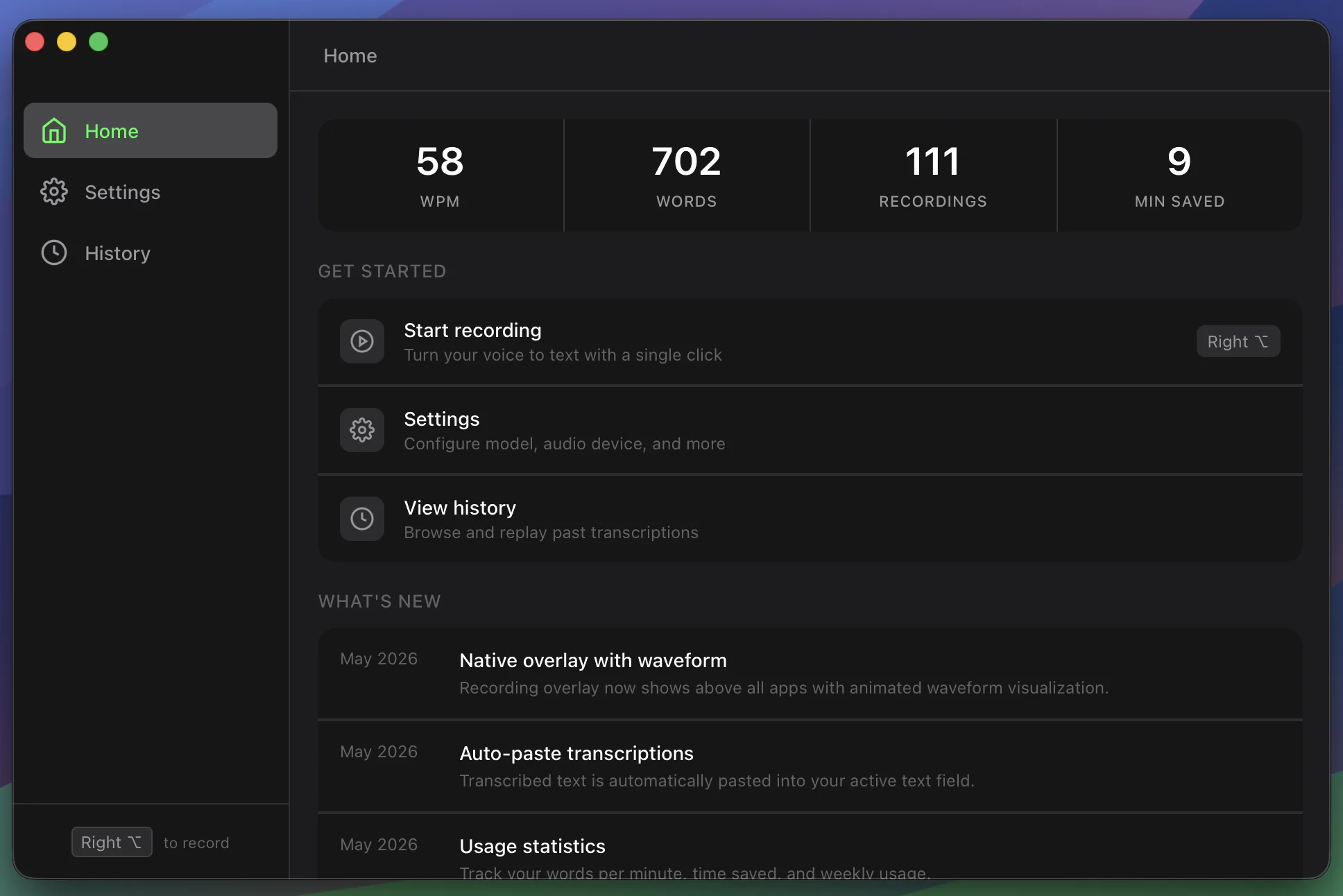
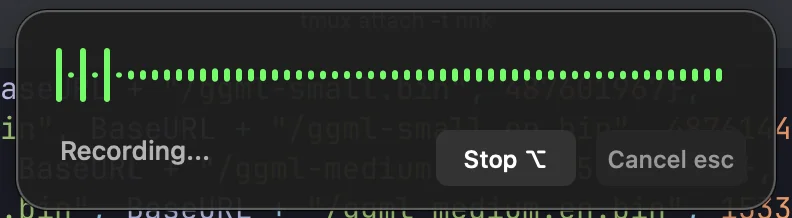
Always-on-top compact window for easy access while working in other apps. Start and stop recording without switching context.
Transcription History
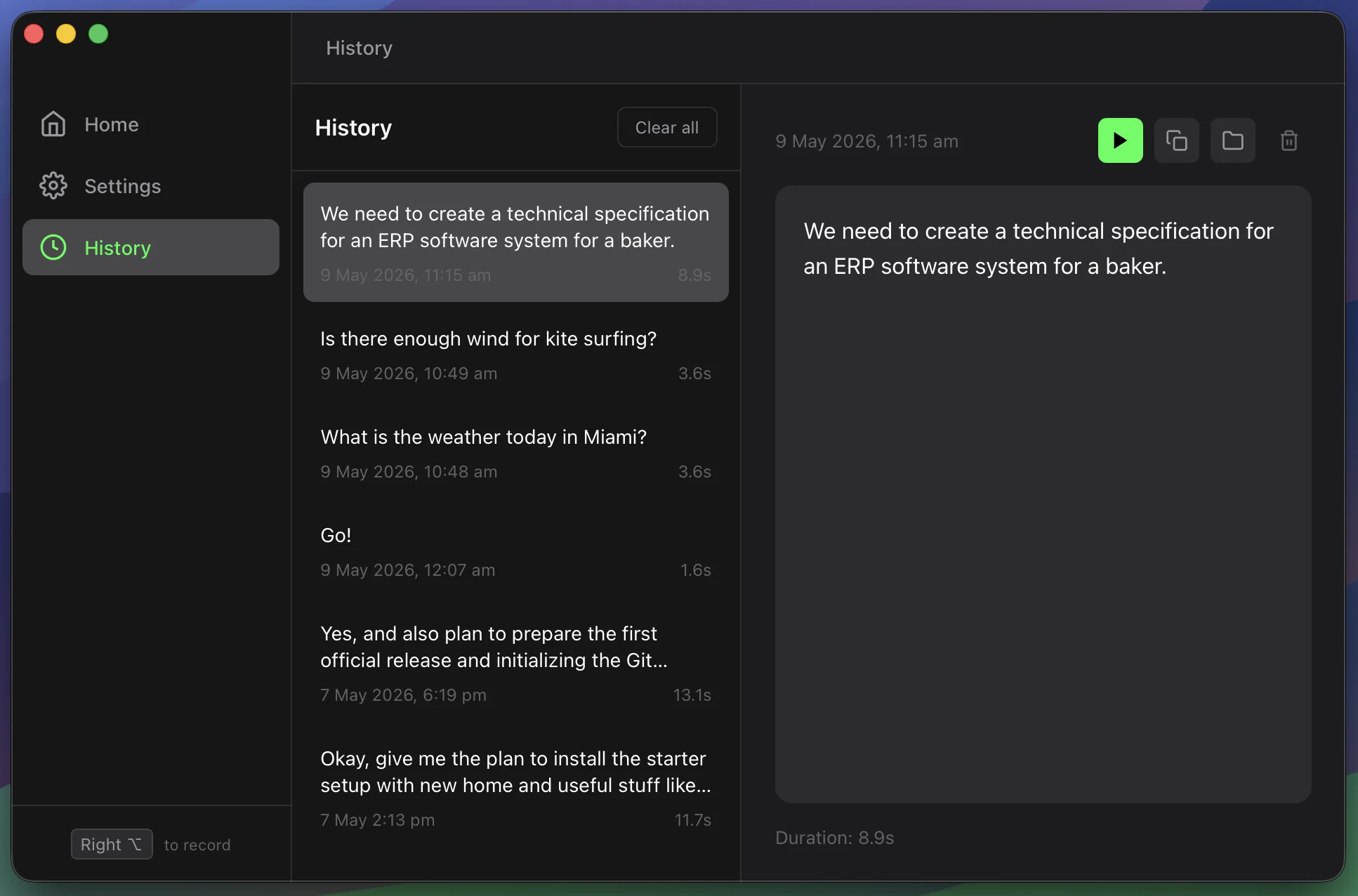
Review, replay, and copy past transcriptions from your local history.
Screenshots
Frequently Asked Questions
A free, open-source desktop dictation app built with Wails (Go + React). It uses whisper.cpp for local transcription or OpenAI's Whisper API for cloud-based transcription. Text is automatically pasted into whatever app has focus.
In local mode, yes. All audio is processed on-device through whisper.cpp, and no data leaves your machine. Cloud mode sends audio to OpenAI's API over HTTPS. You choose which mode to use.
macOS (11.0+), Windows (10+), and Linux. Built with Wails and Go for native cross-platform support.
5 models from tiny (75MB) to large-v3 (3GB). English-only models (e.g., base.en) are available for faster, more accurate English transcription.
No. Yap works with any microphone, including built-in laptop mics. PortAudio is required for audio capture on macOS (install via Homebrew).
Yes. Yap is completely free and open source. Local transcription is free forever. Cloud mode requires your own OpenAI API key.
Build From Source
For platform dependencies and release builds, use the complete build guide. If setup or transcription fails, check Yap troubleshooting.
Prerequisites
Make sure you have Go 1.21+ and Node.js 18+ installed, then install the Wails CLI:
go install github.com/wailsapp/wails/v2/cmd/wails@latestBuild
Clone the repository and build the application:
# Clone the repository
git clone https://github.com/ApplauseLab/yap.git
cd yap
# Build the app
wails build
# Run the app (macOS)
open build/bin/Yap.app
# Run the app (Linux/Windows)
./build/bin/Yap
Development
Run in development mode with hot reload:
wails devRequirements
- macOS: macOS 11.0 (Big Sur) or later
- Windows: Windows 10 or later
- Linux: Most modern distributions with glibc 2.31+
- For local transcription: PortAudio (macOS:
brew install portaudio) - Optional: whisper.cpp CLI for local transcription, or use your OpenAI API key